The Access Requests Page
The Access Requests Page
The Access Requests page contains the list of all access requests created by people who wanted access to the Depot Tool.
Admins can see all requests, while supervisors see only those requests that contain locations to which a given supervisor has access.

Figure 1: The Access Requests page
To get details of a specific request, please click the three dots button of the request from the "Details" column.
After clicking it, you will be redirected to a new page, which contains all information about the request.
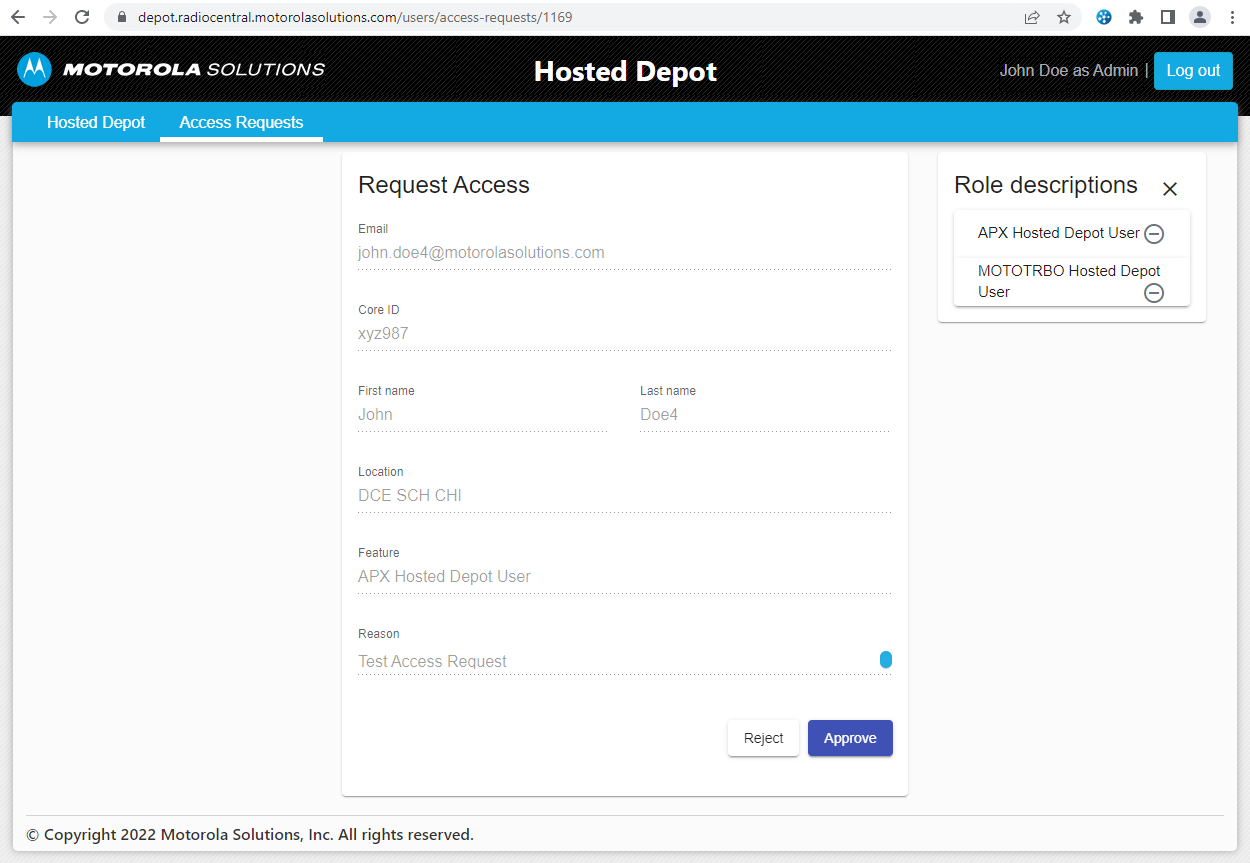
Figure 2: Access Request details
If the request status is "New", you will be able to Reject or Approve a specific request, which means granting or rejecting access to Depot Tool for the user who created this request.
If the request status is different from "New", you will be able only to see details of the request and nothing more.