Registering and Access Depot Tool
This section contains information about getting access to the Depot Tool using IDM.
IDM is a system that enables identity management and is used by Radio Central system, which includes Radio Central Programming, Radio Central Insights, Radio Central Connect, and much more.
Step 1. Open Depot website
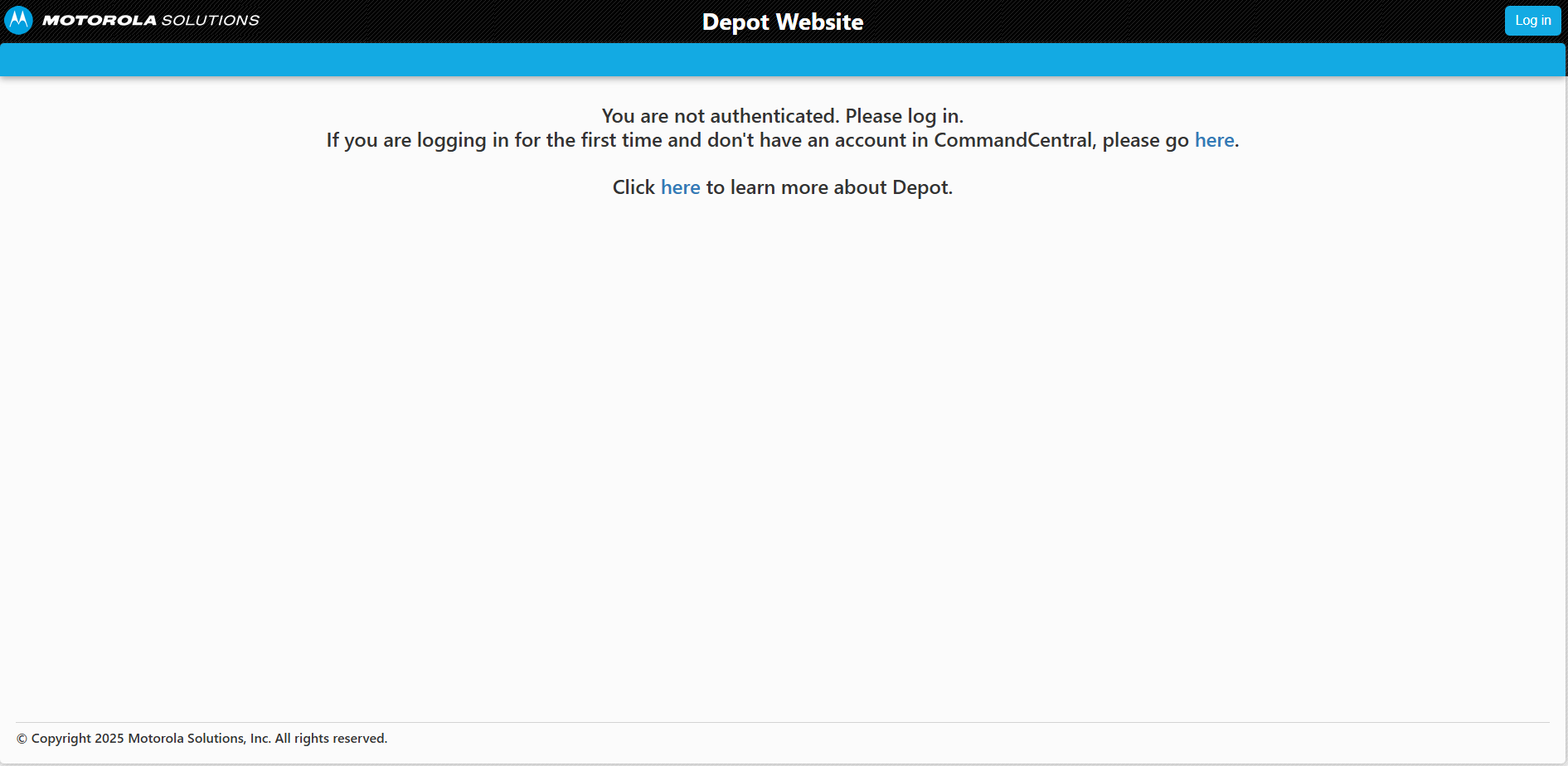
Figure 1: Depot Home Page for unregistered users
If you are a non-motorola user, you need to click on "here" button and fill Access Requests manually.
For Motorola users, you can click on "Log in" button and use your corporate credentials.
Step 2. Click on "Log in" button
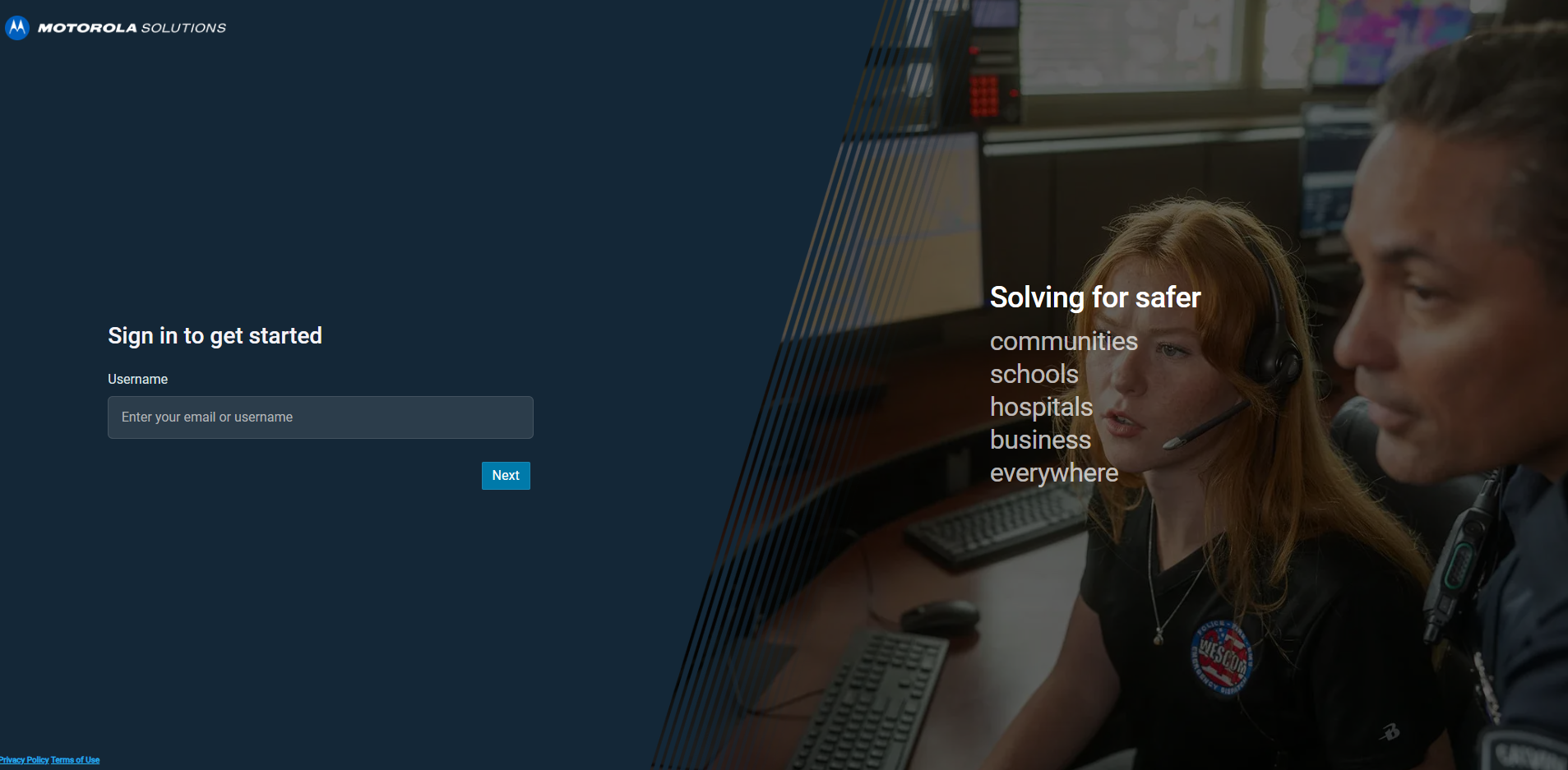
Figure 2: IDM Login Page
Step 3. Click on "here" button after logging in
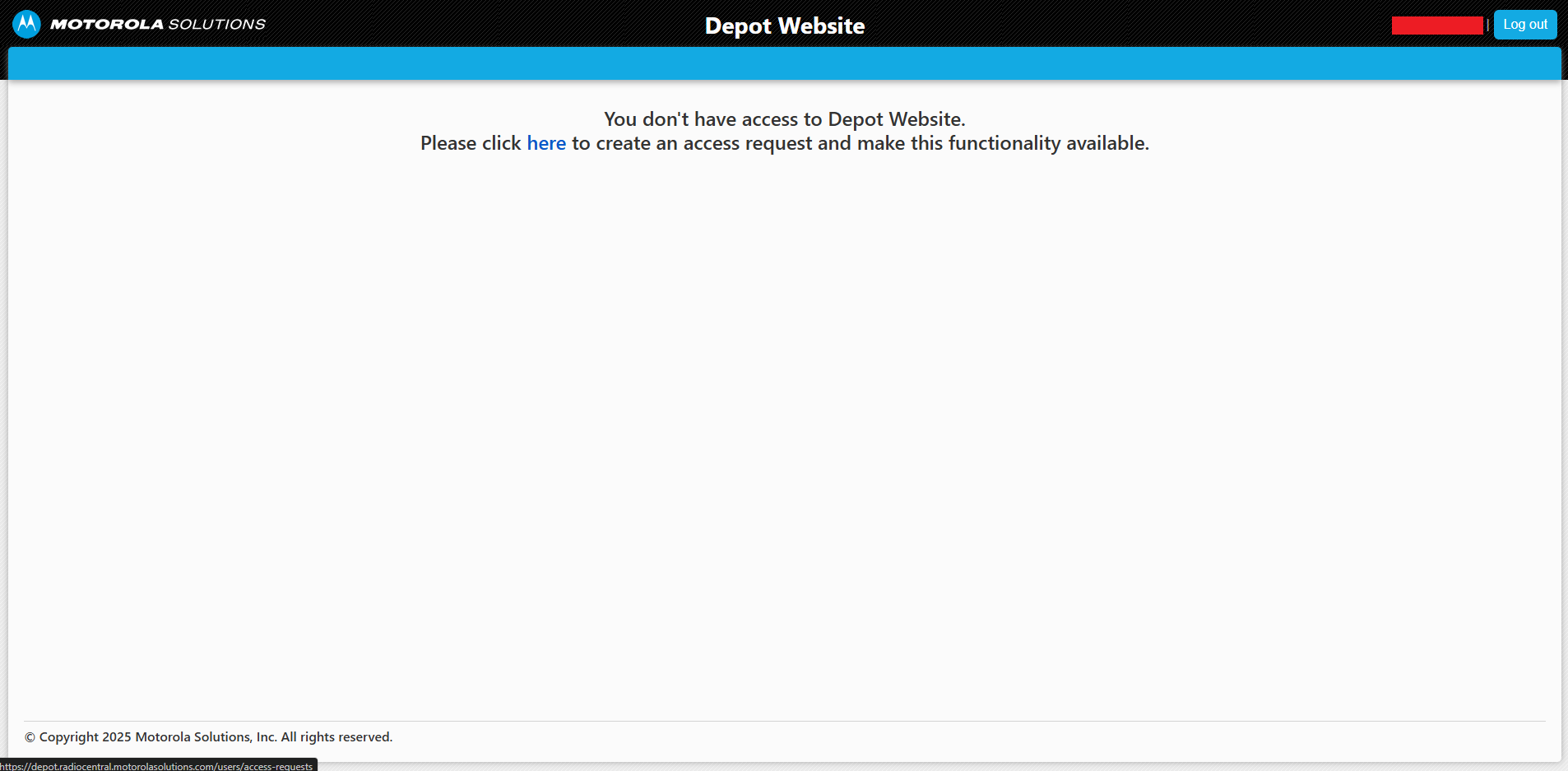
Figure 3: Home Page for unassigned users
Step 4. Click on "New request" button

Figure 4: Access Requests Page
Step 5. Fill and submit new access request
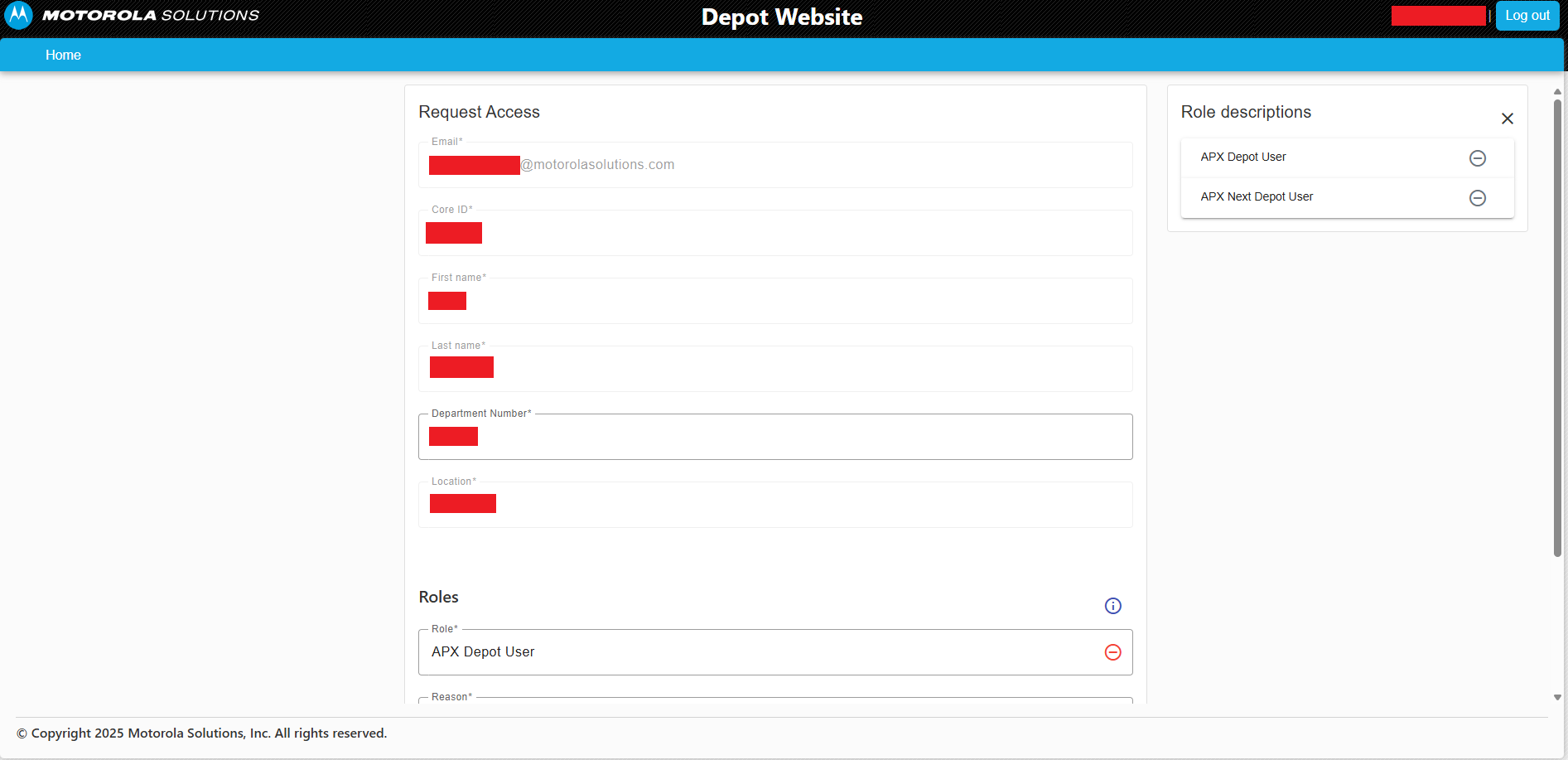
Figure 5: New Access Request Page
You need to fill all the required fields, select "APX Depot User" role and click on "Send" button.
Step 6. Wait for Depot team to approve your request
After sending the request, you will be redirected to "Access Requests" page.
You can close Depot page for now because you need to wait for the Depot team to approve your request.
If your request is approved or rejected, you will receive an email notification.
After your request is approved, you can log in to Depot website and start using Depot Tool.